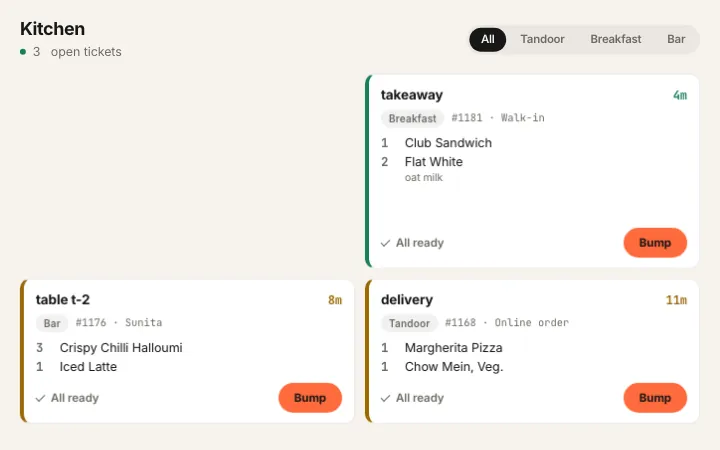
Routing comes off the category, with an override on the one item that belongs somewhere else.
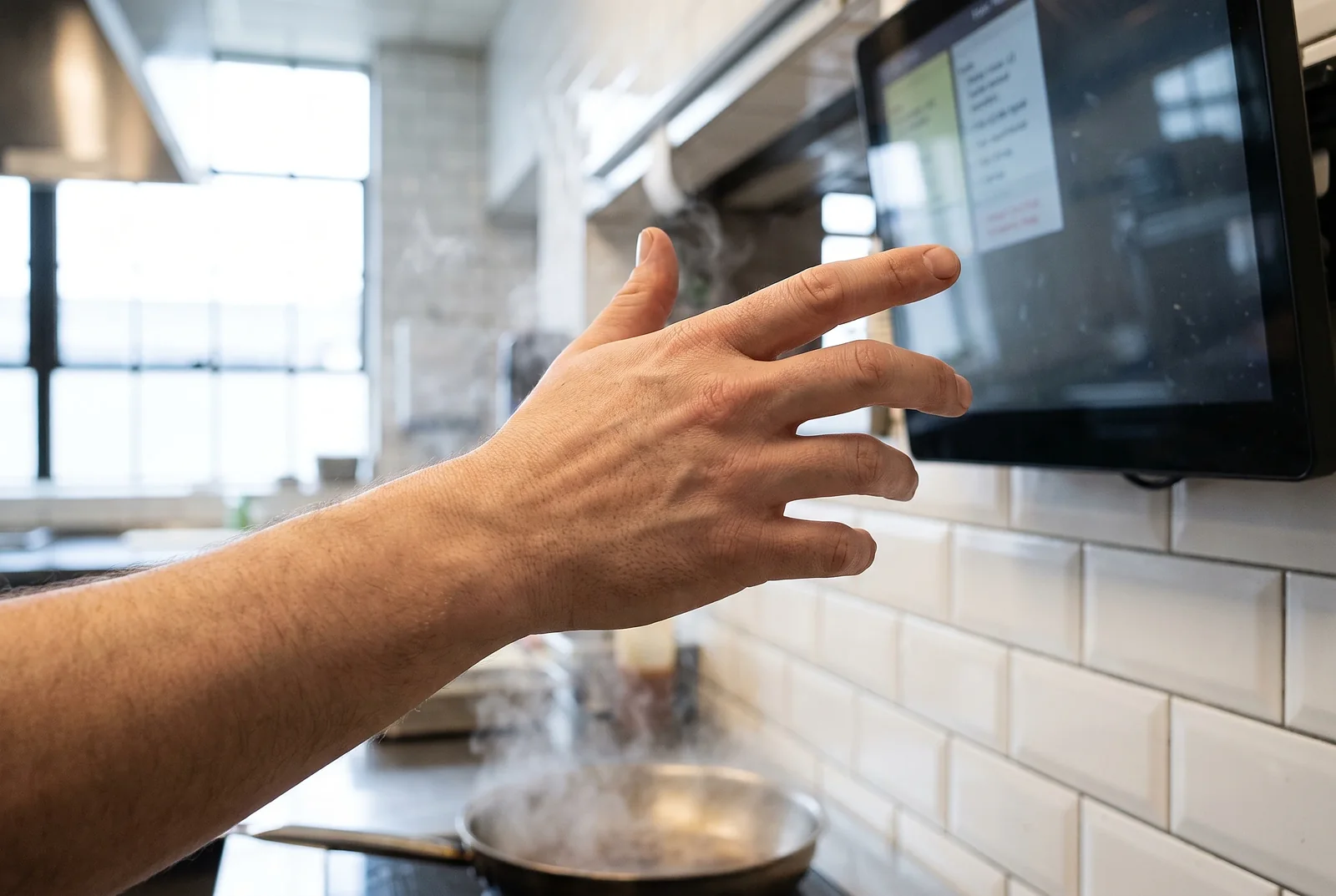
On a tablet02Ageing in front of the cook
Colour tracks how old a ticket is, and a prep target flags a late one before the floor has to ask.
On a tablet03Bump a line or a ticket
A physical bump bar or the keyboard, so wet hands never have to find a target on glass.
What is in it
Kitchen display, feature by feature.
The kitchen display runs in Arabic, right to left, as well as English.
Bump bar or keyboard
A physical bump bar, or the keyboard, so a cook with wet hands never has to find a target on glass.
Station filtering
Route by category, override on the one item that belongs somewhere else.
Station filtering
All-day counts
How many of each dish are live across every open ticket, so prep is planned rather than guessed.
All-day counts
Late flags
Prep targets per station, and a ticket that passes its target flags itself before the floor has to ask.
Late flags
New lines only
A second round prints only the lines that are new, so the kitchen never re-cooks a whole table.
Ticket ageing
Colour changes as the ticket gets older, visible from across the pass.
Ticket ageing
Item-level ready
Mark one line done without bumping the whole ticket.
Every channel
Dine-in, takeaway, delivery and aggregator orders land on the same board.
No printer needed
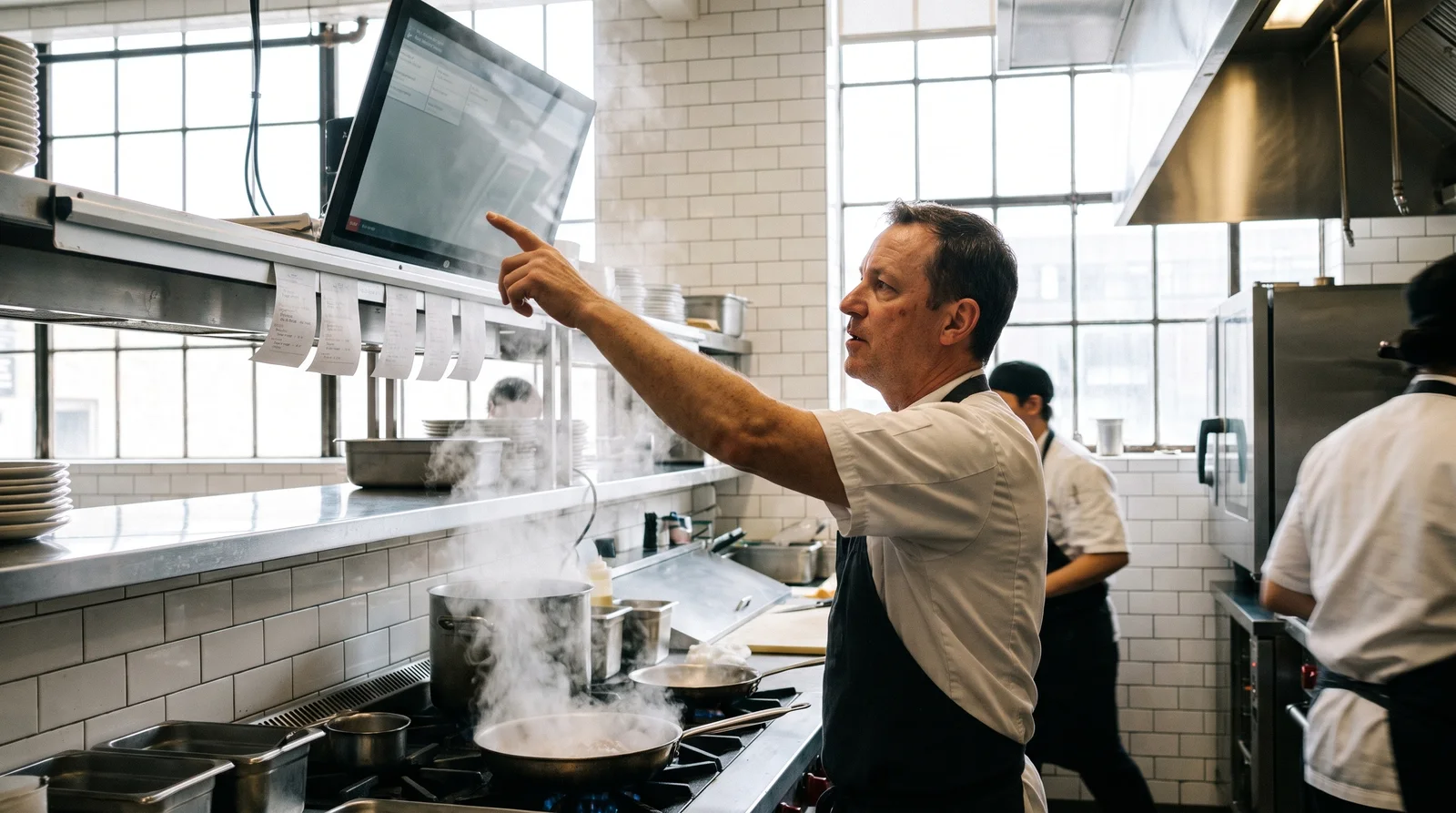
The KDS replaces the kitchen printer, or runs beside it.
In motion
The pass, through one ticket.
Watch it done
Two short videos, on the real screens.
Recorded on delEat itself, with a demo restaurant. The captions are in the picture, so they work with the sound off.
Bumping and recalling tickets0:31The steps
Open Kitchen. Tickets arrive by station and age in front of the cook.
Each ticket shows where it is going, how long it has waited, and what to make.
Press All ready when every dish on it is up.
Press Bump and the ticket leaves the screen.
Bumped one by mistake? Press Recall.
Anything bumped in the last thirty minutes is here. Bring it back.
All day, expo and stations0:27The steps
Open Kitchen.
Pick a station. The screen shows only the lines it makes.
Expo puts every station on one board, each line marked with its station.
All day lists everything still to make, biggest first.
All 42 are in the Academy, in the order to watch them.
Before you believe it
The three questions everyone asks.
Can different stations see different items?
Each screen shows its own station. A ticket with a grill item and a salad appears on both, and each bumps its own line.
Do we still need a kitchen printer?
No. The kitchen screen replaces it or runs beside it, and each station can still have its own printed ticket.
How much does the kitchen display cost?
Two kitchen screens per outlet come with Shift, AED 429 per outlet a month on a two-year term, 479 billed yearly or 579 monthly. Each screen beyond two is AED 69 a month on monthly billing, less on yearly and two-year terms. Any monitor with a browser works.



 On a tablet
 On a tablet
 On a tablet